How to Choose the Right Mini Thermal Printer

Welcome to our store!Black Friday Sale!

application/mini-thermal-printer, application/mini-thermal-printer, 
Inquiry
Inquiry

mini thermal printer

Mini  thermal printers  are compact devices designed for high-quality printing on  thermal paper, commonly used in various industries such as  retail, logistics,  and  manufacturing.  B2B buyers, including purchasing  managers and engineers, often seek reliable and efficient printing  solutions that offer durability and  compatibility  with existing systems. This article  will guide you through  the essential considerations for selecting  the right mini thermal printer,  addressing  key  specifications, installation challenges, and the features  that matter most  to ensure you make an informed purchasing  decision.

Why choose SOSTAR mini thermal printer

How to Choose the Right Mini Thermal Printer for Your Business

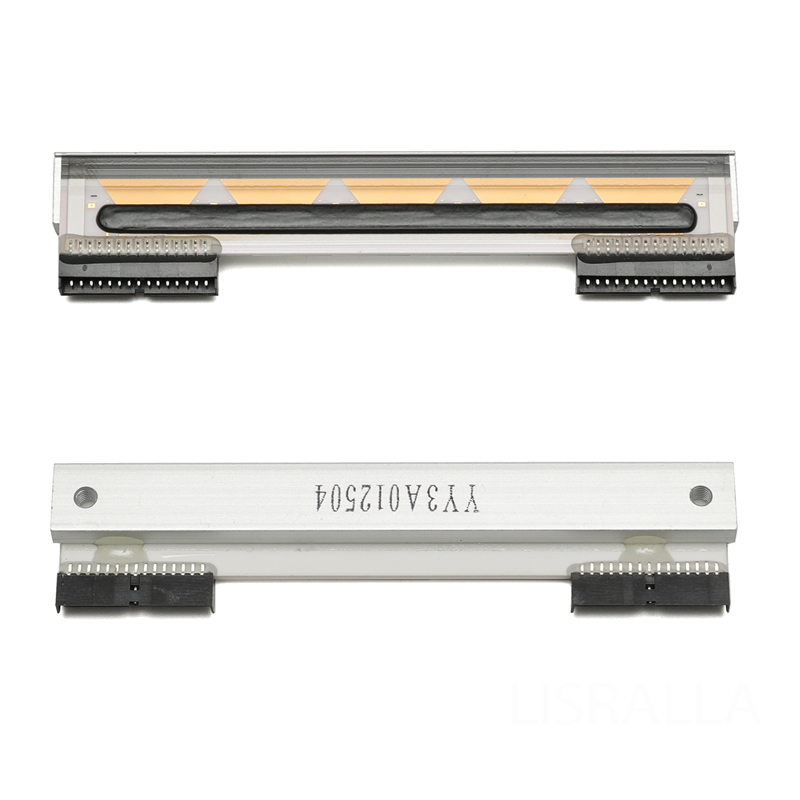
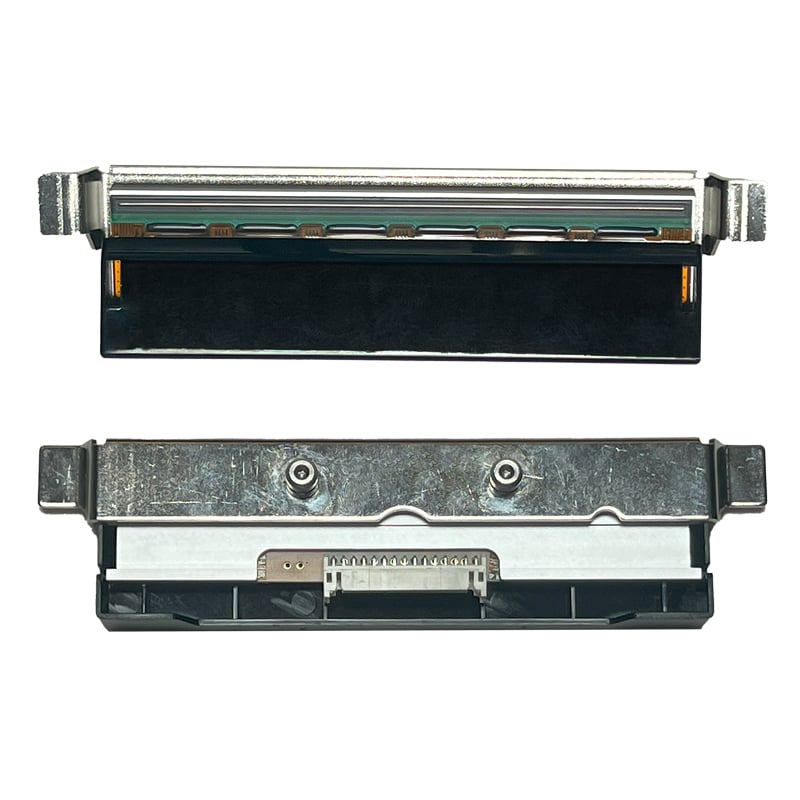
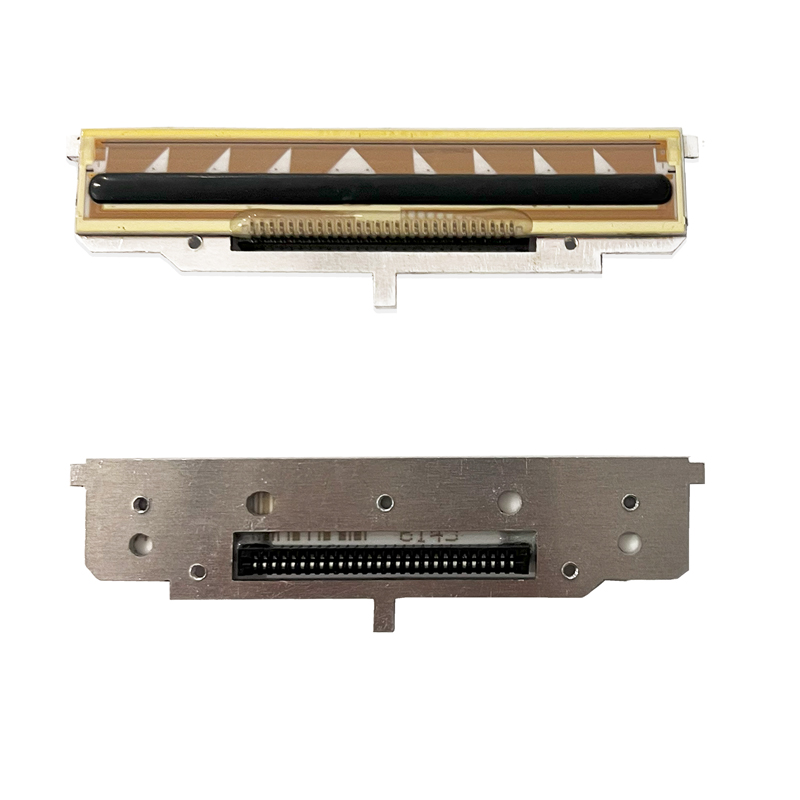
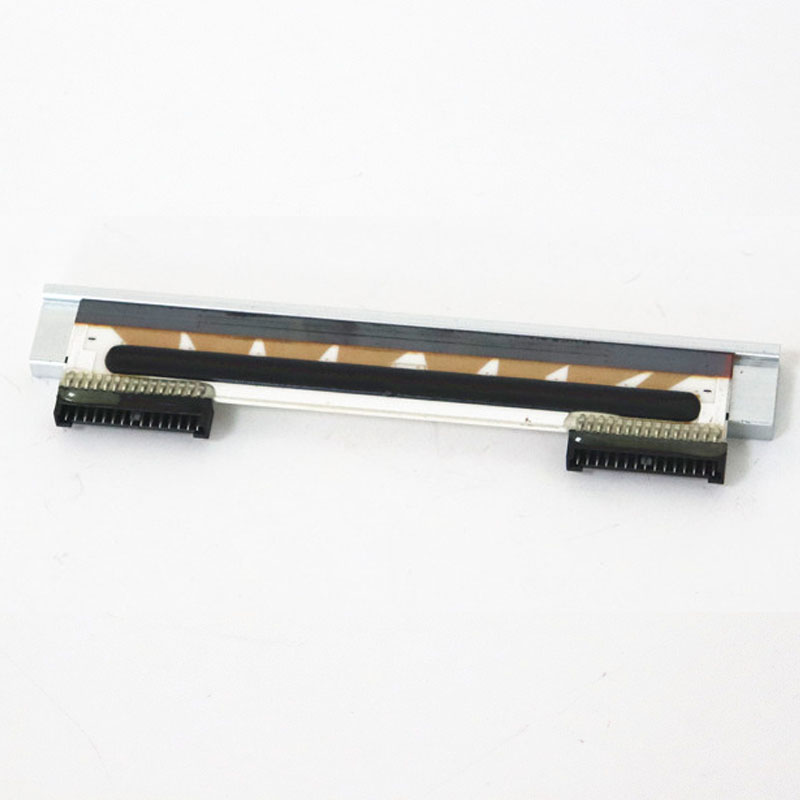
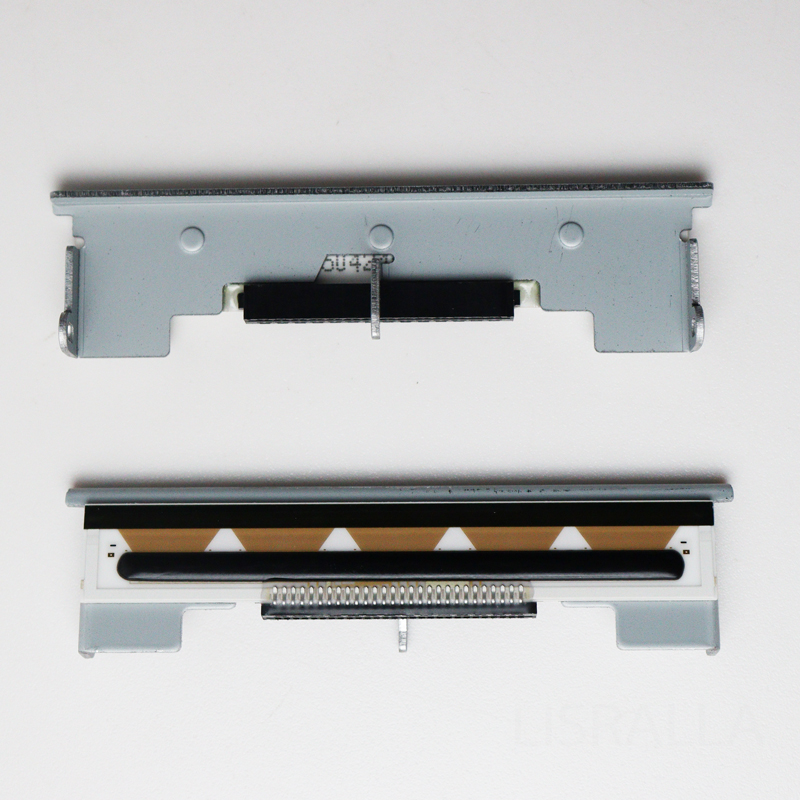
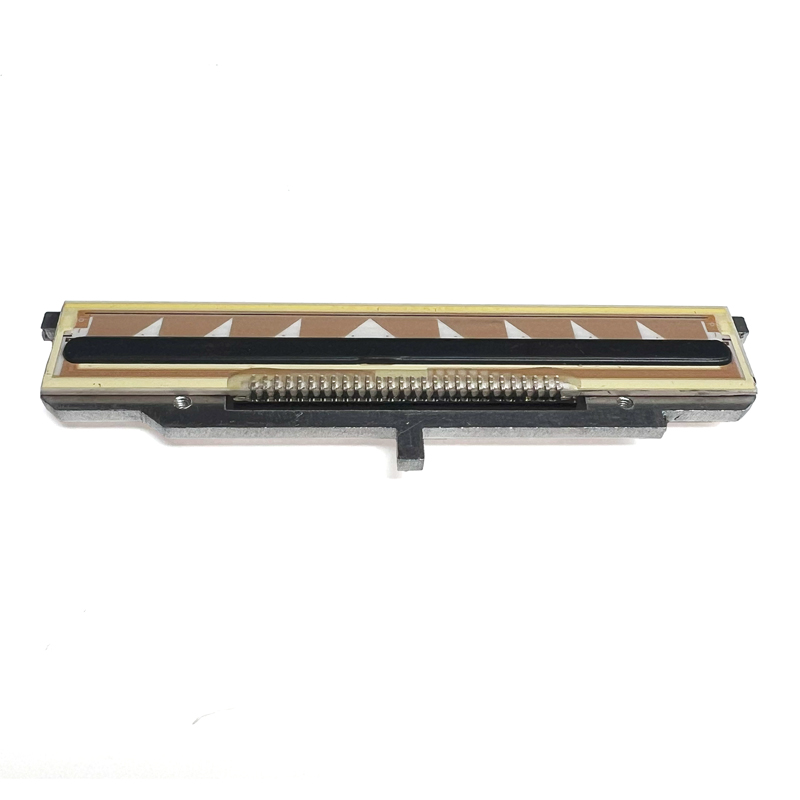
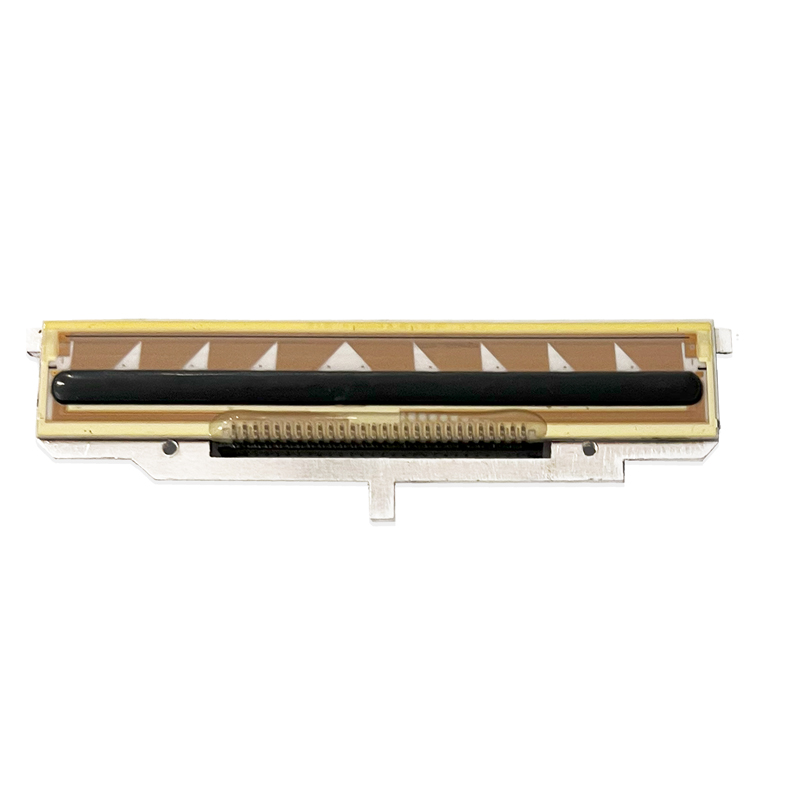
When selecting a mini thermal printer, it’s crucial  to  consider your  specific business needs. Start  by assessing the application requirements, such as  the type of documents you’ll  print (e.g.,  receipts, labels,  or  tickets) and the expected volume  of printing. Compatibility with existing systems  is another key factor; ensure the printer can easily integrate with your software  and hardware. For instance, if you are looking for compatibility with specific models, you might want to explore options like the RM60 Printhead for DIGI RM60 Barcode Scale to ensure seamless functionality.

Next, evaluate  the printer’s size and portability, especially if  it will be used in various locations or requires mobility.  Lastly,  consider the total cost of ownership, including initial purchase price, maintenance costs,  and the longevity of consumables like thermal paper. By  aligning these factors with your operational  requirements,  you can make a more tailored choice that enhances efficiency and productivity.

Frequently Asked Questions

Our Blog Posts

What Our Partners Say

Key Specifications to Consider

Key Specifications to Consider

Several technical specifications can significantly impact the performance of mini thermal printers:

Print Speed: Measured in millimeters per second (mm/s), this determines how quickly the printer  can produce documents. Higher speeds are beneficial for high-volume environments where time is  critical.

Print Resolution: Typically expressed in dots  per inch (DPI), this affects the clarity and quality of the printed output. A higher DPI is essential for  applications requiring detailed graphics or barcodes.

Connectivity Options: Consider how the printer connects to  your systems—whether through USB, Bluetooth, or Wi-Fi. This can affect ease of  use and integration.

Durability and Build Quality: The materials used in  construction influence the printer's longevity.  Look  for printers designed to withstand the rigors of  your specific environment, such as exposure to dust  or moisture.

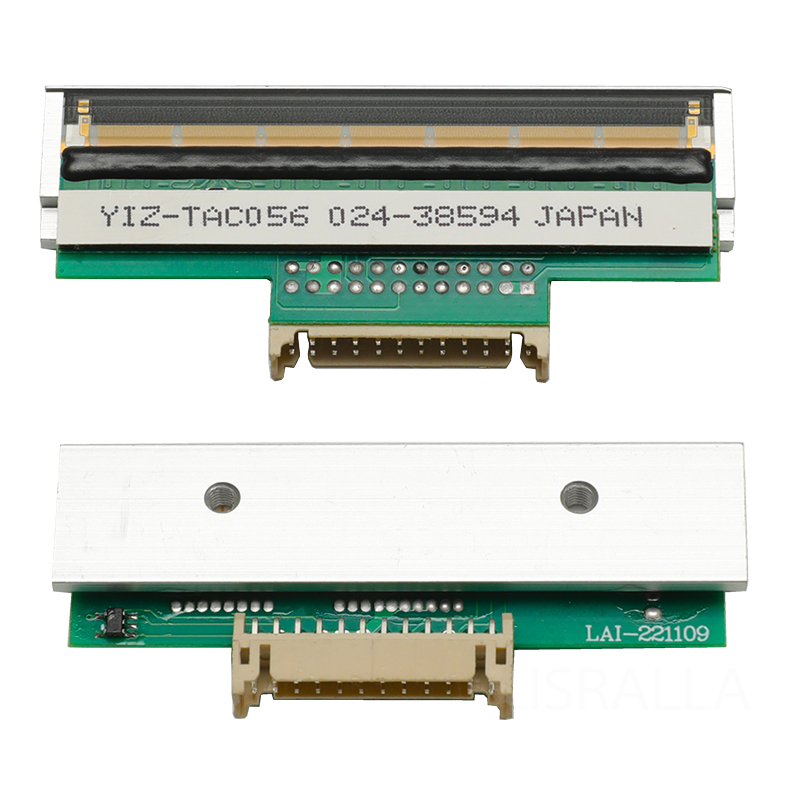
Paper Size  Compatibility: Ensure the printer can  handle  the sizes of thermal paper you plan to use, as  this will affect the versatility  and application of  the device. Additionally, consider models like the SM5500 Printhead for DIGI SM5500 SM5800 Barcode Scale for enhanced compatibility.

By  carefully evaluating these specifications, you can  ensure that the mini thermal printer will meet your operational demands  while providing reliable service.

Common Installation Challenges for Mini Thermal Printers and Solutions

Common Installation Challenges for Mini Thermal Printers and Solutions

Installing a mini thermal printer can present  various challenges. One common issue is ensuring  compatibility  with existing  hardware and software systems. Before installation, verify that the printer’s drivers and software are compatible with your  operating  system. This  may involve downloading the latest drivers from  the manufacturer's website.

Another  challenge is physical placement. Consider the printer's location to ensure it is  easily accessible and that there is adequate space for  ventilation. Additionally,  ensure secure connections for power and data cables to avoid interruptions  during operation.

If users encounter difficulties during  setup, consulting the user manual or manufacturer’s support can provide step-by-step guidance. In  some cases,  a  professional technician may be  needed to assist with complex installations, especially in environments  with extensive networking  requirements.

Features That Matter Most

Features That Matter Most

When evaluating mini thermal  printers, certain features can enhance usability and performance:

Auto-Cutter:  This feature allows for automatic cutting of printed documents,  which can save time and improve efficiency, particularly in high-volume environments.

Error Correction Features: Advanced thermal printers  may include built-in error correction technology  that ensures  print quality remains  consistent, reducing waste and improving reliability.

User-Friendly Interfaces: Look for  printers with intuitive control panels and easy-to-navigate  settings. A clear display can simplify the  operation,  particularly for less experienced users.

Power Management: Energy-efficient  models can  reduce  operating costs by consuming less power during  idle times. Features like sleep modes can further enhance energy efficiency.

By prioritizing these features, you can select a mini thermal  printer that not only  meets your  basic requirements but  also enhances overall operational efficiency.

Technical Specifications Every Buyer Should Check in Mini Thermal Printers

Before finalizing your purchase, ensure you verify the following technical specifications:

Thermal  Printing  Technology: Most mini  thermal printers use direct thermal or thermal transfer printing. Each  has its advantages: direct thermal printing is  generally  simpler and requires no ink, while thermal transfer printing offers better durability for  labels.

Memory Capacity: Check the printer’s memory capacity, which can affect its ability  to  store  and process print jobs, especially in high-demand scenarios.

Environmental Operating Conditions:  Confirm the printer can operate effectively within the specific temperature and humidity ranges expected in  your working  environment.

Warranty and  Support: Understand the warranty terms and the support options available. A solid warranty can protect your investment and ensure you receive  assistance when needed.

Validating these technical specifications will help ensure  that you choose a mini thermal printer  that fits your specific requirements and reduces the risk of issues down the line.

By taking  the time to consider these factors and specifications, you will be well-equipped to choose a mini thermal printer that  aligns with your business needs, ensuring reliable performance and operational efficiency.