Key Features of Portable Thermal Printers

Welcome to our store!Black Friday Sale!

application/portable-thermal-printer, application/portable-thermal-printer, 
Inquiry
Inquiry

portable thermal printer

Portable thermal printers are compact devices designed for on-the-go printing, ideal  for a variety of applications ranging from retail to  logistics. As a purchasing manager  or  distributor, you may  be  assessing these printers for  their compatibility, durability,  and overall  performance to meet  your business needs.  This article will  guide you through essential  specifications, reliability factors, common  issues, installation tips,  and how  these printers can enhance  your  operations, ensuring you make  an  informed decision.

Why choose SOSTAR portable thermal printer

Specifications to Consider When Sourcing Portable Thermal Printers

When sourcing portable thermal printers, several specifications play a crucial role in  ensuring the device meets your operational needs. Key  specifications include:

Print Resolution: Measured in dots per  inch (DPI), the print resolution affects the clarity of the printed text and images. A higher DPI (e.g., 203 DPI vs. 300 DPI)  provides better detail, which is essential for barcodes and graphics.

Print Speed: The  speed at which a printer can produce documents is critical for maintaining workflow efficiency. Look for printers that offer a  speed measured in millimeters per second (mm/s), as this will impact your ability to  process transactions quickly.

Connectivity  Options: Modern printers support various connectivity options such as Bluetooth,  USB, and  Wi-Fi. Assess your existing systems to choose a printer that integrates seamlessly with your devices.

Battery Life: For  portable use, battery performance is  vital. Evaluate how long the printer can operate on a single charge, especially if your operations require extended periods away from power sources.

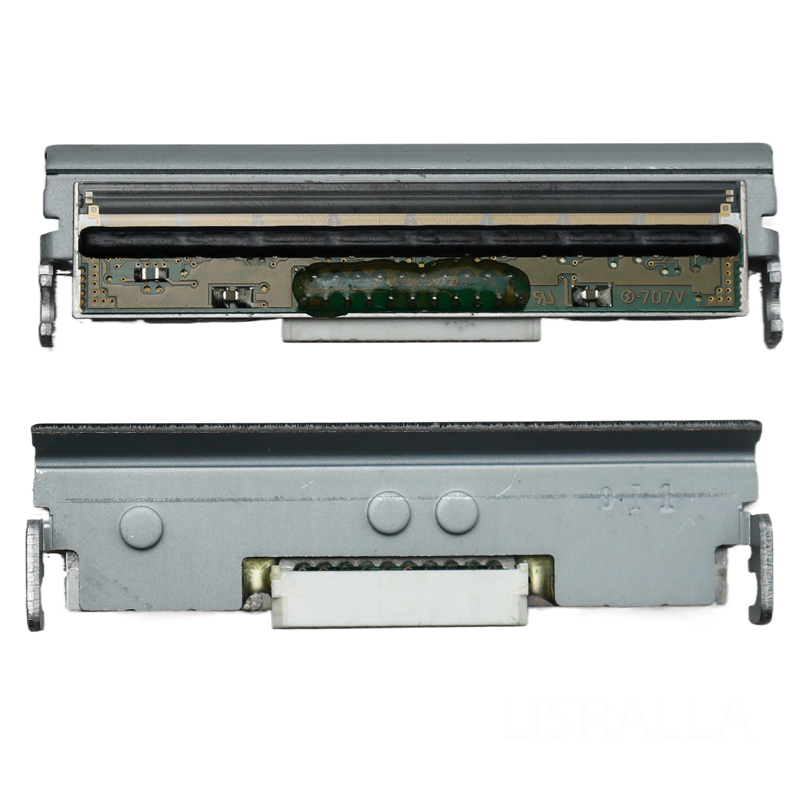
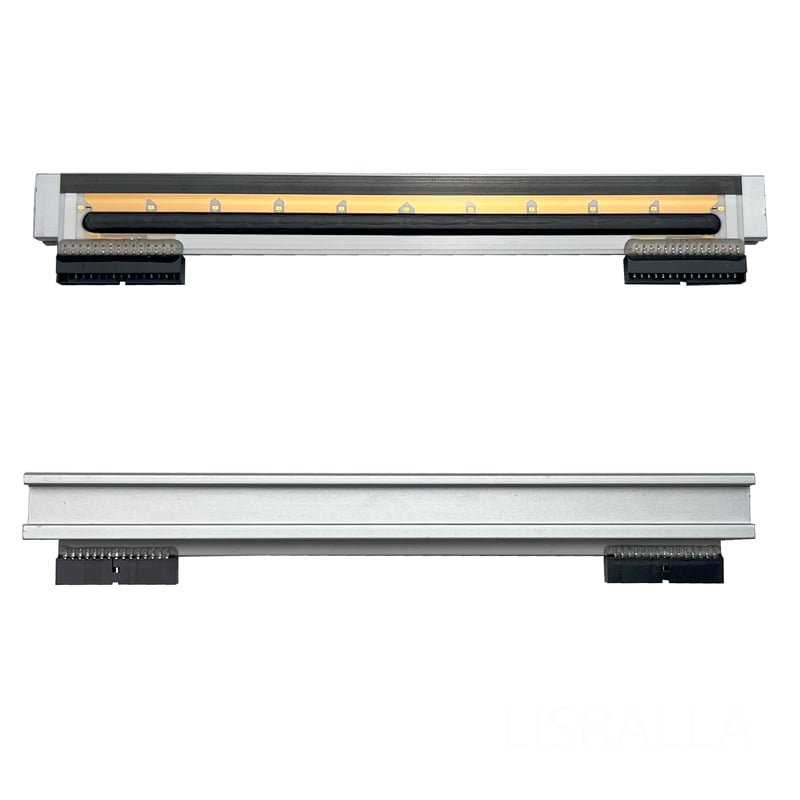
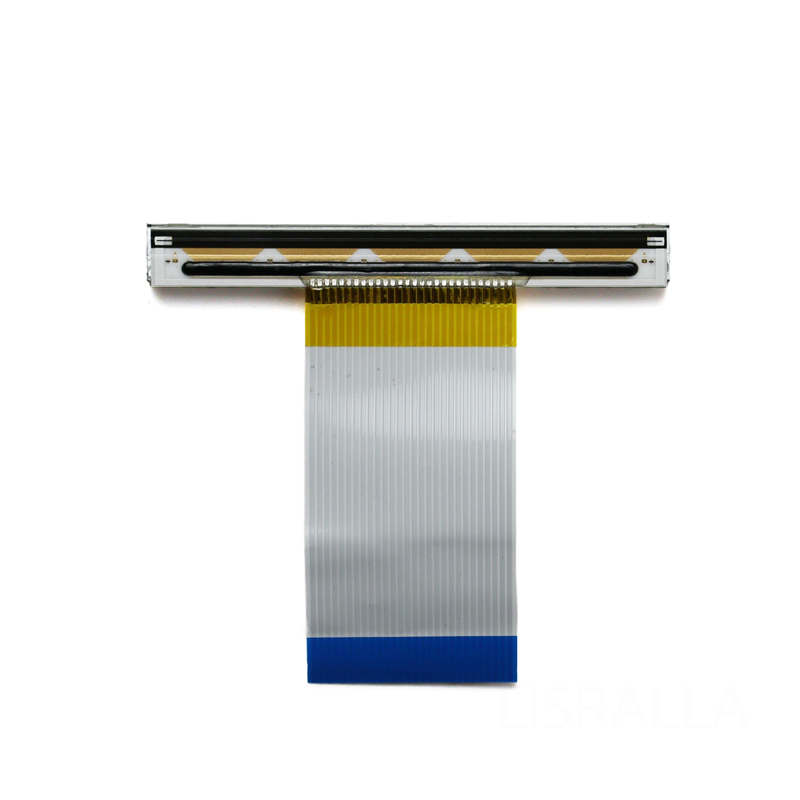
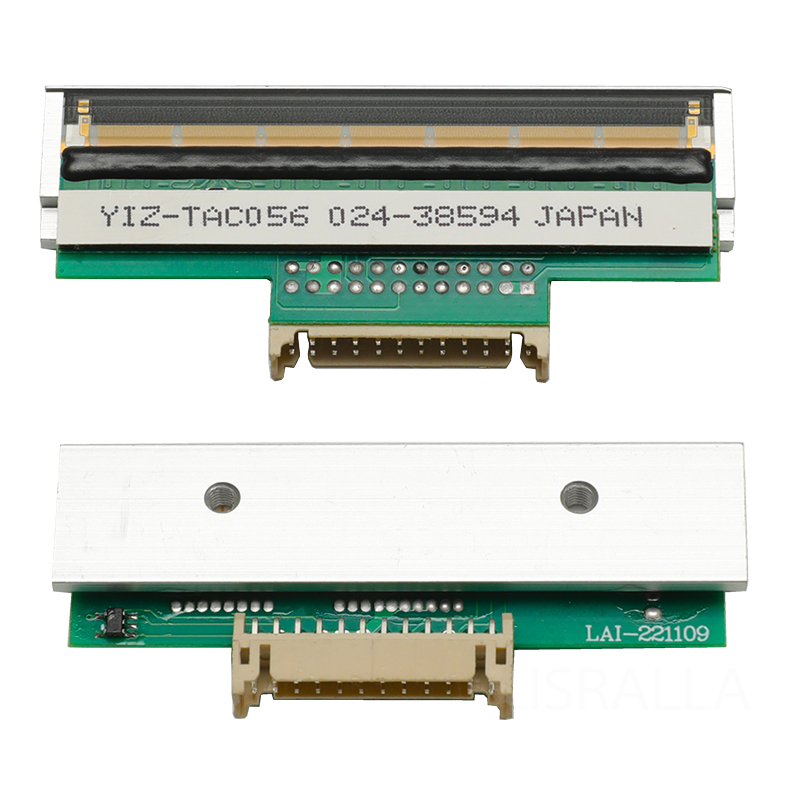
Durability  and Build Quality: Consider the materials used in  the printer's construction. Industrial-grade plastics or rubberized casings enhance durability,  making them suitable  for harsh environments. For example, you may find specific components like Printhead particularly beneficial for enhancing durability.

Understanding these  specifications helps ensure that your  chosen portable thermal printer aligns with your application requirements  and operational demands.

Frequently Asked Questions

Our Blog Posts

What Our Partners Say

What Makes a Reliable Portable Thermal Printer?

What Makes a Reliable Portable Thermal Printer?

Reliability in  portable thermal printers is defined by several factors, ensuring  they can withstand the rigors of daily use while delivering  consistent performance. Key aspects include:

Quality Components: A reliable printer utilizes high-quality components, such as durable printheads and rollers, which are essential for long-term operation. Manufacturers like  Guangzhou SOSTAR Smart Technology Co., Ltd. emphasize using stable components  to reduce wear and tear.

Robust Firmware: The software that runs the printer should be regularly updated and  capable of handling various printing formats and commands. A printer  with reliable firmware minimizes errors  and enhances functionality.

User-Friendly Design: A  printer that is easy to operate reduces the likelihood of user errors. Features like intuitive interfaces, clear indicators for low battery or paper jams,  and ergonomic designs contribute  to overall  reliability.

Comprehensive  Warranty and Support: Manufacturers  that offer extensive warranties and  customer support can provide peace of mind. This indicates confidence in  their product’s reliability and can be a deciding factor when selecting  a supplier.

These elements combined contribute to the overall reliability of a  portable  thermal printer, ensuring it meets the demands of your business effectively.

Common Problems with Portable Thermal Printers and Their Solutions

Common Problems with Portable Thermal Printers and Their Solutions

Despite their advantages, portable thermal printers can encounter common issues. Understanding these problems and their solutions can help you maintain efficiency:

Poor Print Quality: This can arise from dirty printheads or low-quality paper. Regular cleaning of the printhead  and using recommended paper types  can resolve these issues.

Frequent Paper Jams: Paper jams often  occur due to incompatible  or damaged  media. Always use the specified paper size and type, and  ensure it is loaded correctly to minimize jams.

Connectivity Issues: Problems with connectivity can  occur, especially with wireless  models. Ensure that the printer’s firmware is up to date  and that it  is within  range of the network or device.

Short Battery  Life:  If the  battery drains quickly, evaluate the printer settings, as high print speeds  or continuous Bluetooth  use can increase power consumption. Consider adjusting settings for optimal battery management.

By proactively addressing these common  issues, you  can ensure that  your portable thermal printers function smoothly,  minimizing downtime.

Installation Guidance for Optimal Use of Portable Thermal Printers

Installation Guidance for Optimal Use of Portable Thermal Printers

Proper installation of portable thermal printers  is crucial for achieving optimal performance. Here are steps to ensure  a smooth setup:

Read the Manual: Before installation, familiarize yourself with the user manual. It provides  essential information about setup, maintenance, and troubleshooting.

Select  the Right  Location: Choose an  operating environment that protects the printer from extreme temperatures,  moisture, and dust. This helps prolong the life of the printer and ensures consistent performance.

Install Software and Drivers: For connectivity, ensure that all  necessary software and drivers are installed on the  host devices.  This  may involve  downloading updates or specific  applications from the  manufacturer’s website.

Test the Printer: Once set up, conduct a test print to verify that the printer is functioning  correctly. This  initial test helps identify any  issues early on.

Following  these guidelines will facilitate a successful  installation process, allowing you to leverage the benefits of portable thermal printing immediately.

How Portable Thermal Printers Enhance Business Operations

Portable thermal printers can significantly enhance  business  operations in various sectors. Here’s how:

Increased Mobility: These printers allow staff to print labels, receipts, and reports on-site, reducing the need  to  return  to a central location. This  mobility streamlines processes in retail,  logistics, and field services.

Improved Efficiency: Quick and easy printing of documents on the  go minimizes delays in service delivery. This  efficiency can lead  to improved customer  satisfaction and  better  service levels.

Cost-Effectiveness: By reducing the need for multiple printing stations and allowing for direct printing in the field, businesses can save on operational costs and improve resource allocation.

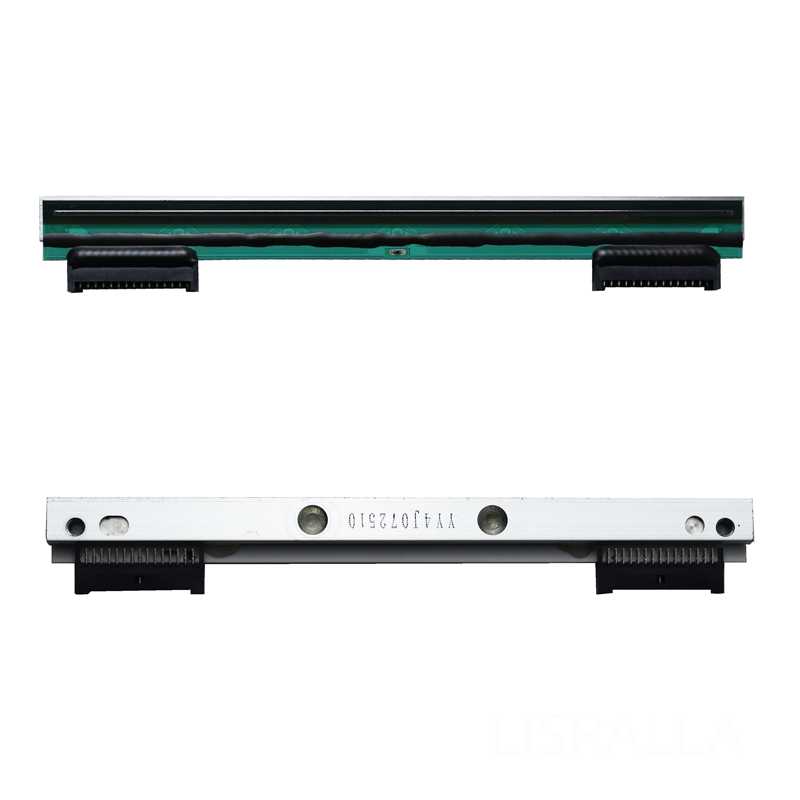
Enhanced Accuracy: Printing directly at the point of service helps reduce errors often associated with manual data entry. This capability ensures that information is captured accurately and efficiently, particularly when using components like For ZEBRA.

Incorporating portable thermal printers into your operations can lead to streamlined processes, improved customer interactions, and a more responsive business  model.

By understanding the specifications, reliability factors, common issues, installation  guidance, and operational enhancements offered by portable  thermal printers, you can make informed decisions  that align with your  business  goals and needs.