Selecting POS Systems for Retail Operations

Welcome to our store!Black Friday Sale!

application/pos-systems-for-retail, application/pos-systems-for-retail, 
Inquiry
Inquiry

Pos systems for retail

POS systems for retail are essential tools that enable businesses to manage transactions efficiently, track inventory, and enhance customer experiences. For B2B buyers, the selection of an appropriate Thermal Printer Parts is critical, as it impacts not only operational efficiency but also the overall customer satisfaction. This article will guide purchasing managers, distributors, and product managers through the key considerations when choosing POS systems for retail, including features, common issues, and best practices to ensure a successful investment.

Why choose SOSTAR Pos systems for retail

How to Choose the Right POS Systems for Retail Applications

When selecting a POS system for retail applications, buyers should begin by evaluating their specific business needs. Consider factors such as the size of the retail operation, the expected transaction volume, and integration with existing systems. A robust POS system should support various payment methods, including credit cards, mobile payments, and digital wallets, to accommodate diverse customer preferences. 

Another crucial aspect is the scalability of the POS system. As businesses grow, their needs may evolve, requiring additional features or increased capacity. It's advisable to choose a POS systems for retail that can be easily upgraded or customized to meet future requirements. 

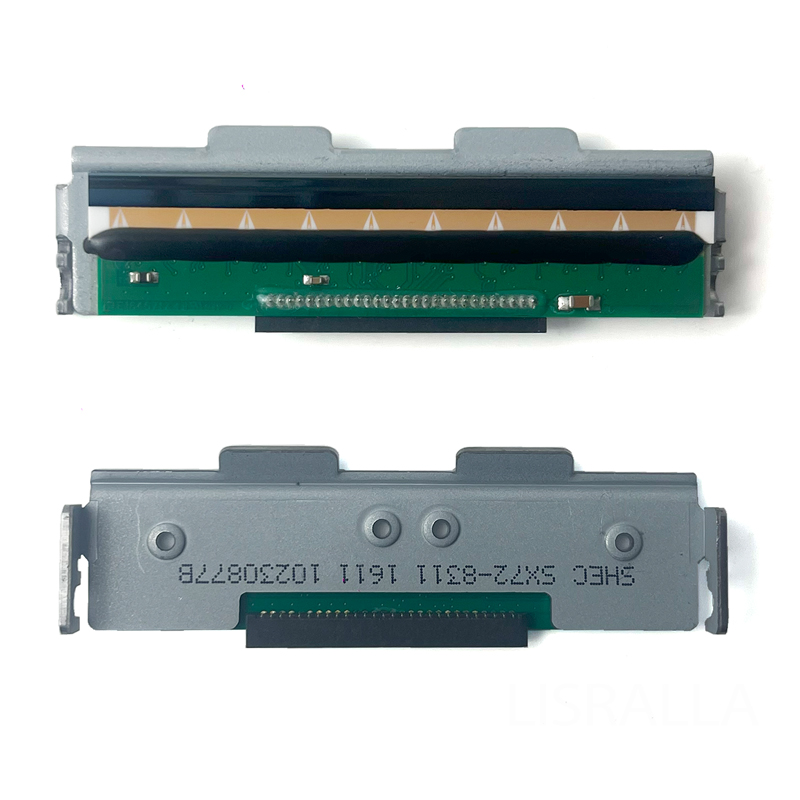
Additionally, ensure that the POS systems for retail is compatible with essential peripherals, such as barcode scanners and printers. Companies like Guangzhou SOSTAR Smart Technology Co., Ltd. manufacture high-quality components for these Barcode Scale Parts, including barcode scales and printer spare parts, which can enhance the overall functionality and reliability of your POS setup.

Frequently Asked Questions

Our Blog Posts

What Our Partners Say

Key Features for Wholesale Buyers

When assessing POS systems for wholesale purchasing, specific features should be prioritized. These may include: 

Inventory Management: Efficient tracking of stock levels, automatic reordering, and detailed reporting to help minimize shortages and overstock. 

Sales Reporting: Comprehensive analytics and reporting tools to provide insights into sales trends, peak hours, and customer behavior. 

User-Friendly Interface: A straightforward interface that allows staff to easily learn and operate the POS systems for retail, minimizing training time. 

Customer Relationship Management (CRM): Integration with CRM tools to track customer interactions, preferences, and purchase history, enhancing loyalty programs. 

Multi-Channel Support: The ability to manage sales across various platforms, including online and in-store, to provide a seamless shopping experience. 

Understanding these features will enable wholesale buyers to select a POS systems for retail that aligns with their operational goals and customer service standards. 

What to Look for in Retail POS Systems

When evaluating retail POS systems, buyers should pay attention to the following specifications and capabilities: 

Hardware Compatibility: Ensure the POS systems for retail works seamlessly with existing hardware components, such as barcode scanners, printers, and cash drawers. 

Software Flexibility: Look for systems that offer customizable software solutions to tailor functionalities specific to business needs. This may include the ability to add modules for loyalty programs or advanced reporting. 

Security Features: With increasing concerns over data breaches, prioritize POS systems for retail that offer robust security features, including end-to-end encryption and compliance with payment security standards. 

Technical Support and Maintenance: Investigate the level of technical support offered by the supplier. A reliable support system is crucial for resolving any issues that may arise post-installation. 

Cost of Ownership: Consider not only the initial purchase price but also ongoing costs, such as subscription fees, maintenance, and updates. 

By focusing on these areas, buyers can ensure they select a ID Card Printer Parts that will serve their business effectively over the long term.

Best Practices

Implementing a SOSTAR POS system involves more than just installation; it requires strategic planning and execution. Here are some best practices: 

Conduct Thorough Research: Before making a purchase, research different POS systems, read reviews, and compare features to find the best fit for your retail environment. 

Request Demos: Most suppliers offer demonstrations of their POS systems for retail. Take advantage of this to see the software in action and assess its usability. 

Involve Staff in the Selection Process: Engaging employees who will use the POS systems for retail daily can provide valuable insights into practical usability and necessary features. 

Plan for Training: Allocate time for training staff on the new system. A well-trained team can maximize the benefits of the POS system and improve customer service. 

Monitor Performance Post-Implementation: After installation, continuously monitor the system's performance and gather feedback from users to identify any areas for improvement. 

Following these best practices can help ensure a smooth transition to a new POS systems for retail and enhance overall operational efficiency.

Common Problems with POS Systems and Effective Solutions

Despite their advantages, SOSTAR POS systems can present challenges. Here are some common issues and potential solutions: 

System Downtime: Downtime can severely disrupt business operations. To mitigate this risk, choose a POS system with a strong track record of reliability and consider backup systems or offline modes.  

ata Security Concerns: Security breaches can compromise sensitive customer information. Ensure that the chosen system adheres to industry standards for data protection and regularly update security protocols. 

Integration Issues: Problems may arise when integrating POS systems for retail with other software. Work closely with the supplier to understand compatibility and seek solutions if integration challenges occur. 

User Resistance: Employees may resist transitioning to a new system. Address this by providing comprehensive training and demonstrating the system's benefits to enhance user acceptance. 

By being aware of these common problems and having effective solutions in place, businesses can minimize disruptions and maximize the benefits of their POS systems. 

In summary, selecting the right POS systems for retail involves careful consideration of features, compatibility, and support. By following best practices and being aware of potential challenges, B2B buyers can make informed decisions that will enhance their retail operations and customer experiences.