Key Specifications for Portable Mini Thermal Printers

Welcome to our store!Black Friday Sale!

application/portable-mini-thermal-printer, application/portable-mini-thermal-printer, 
Inquiry
Inquiry

portable mini thermal printer

Portable mini thermal printers are  compact devices designed for  on-the-go  printing, offering  businesses  versatility in  various environments. As a B2B  buyer, you may  have specific concerns regarding  compatibility, durability,  and performance.  This article aims to provide  you with essential insights  into key  specifications,  quality control standards, cost factors, common  issues  and solutions, and installation guidance for portable mini  thermal printers to help you make  informed purchasing decisions.


Why choose SOSTAR portable mini thermal printer

Key Specifications to Compare in Portable Mini Thermal Printers

When evaluating  portable  mini thermal printers, several key specifications are crucial for  ensuring the device meets your operational needs:

Print Resolution: Typically measured in DPI  (dots per inch), higher resolutions lead to  clearer and sharper prints. A resolution  of  203 DPI is standard for most applications,  while 300 DPI may be necessary for more detailed outputs, such as barcodes or graphics.

Print Speed: This is often expressed in  millimeters per second (mm/s). Faster  print speeds can enhance productivity, particularly in high-demand settings. Look for models  that offer  speeds of 80 mm/s or higher for optimal performance.

Battery Life: The longevity  of the battery is essential, especially for mobile applications. Evaluate the expected battery  duration under  continuous use, as well as charging times. A model that supports quick charging can minimize downtime.

Connectivity Options: Ensure the printer supports various connectivity options such as Bluetooth, USB, and Wi-Fi, depending on your operating environment  and device  compatibility.

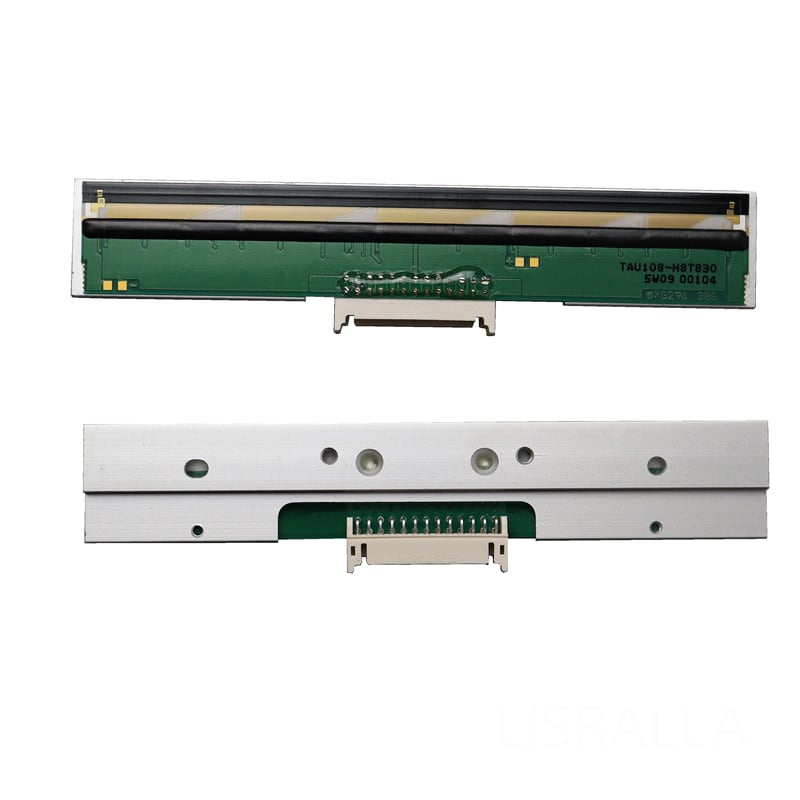
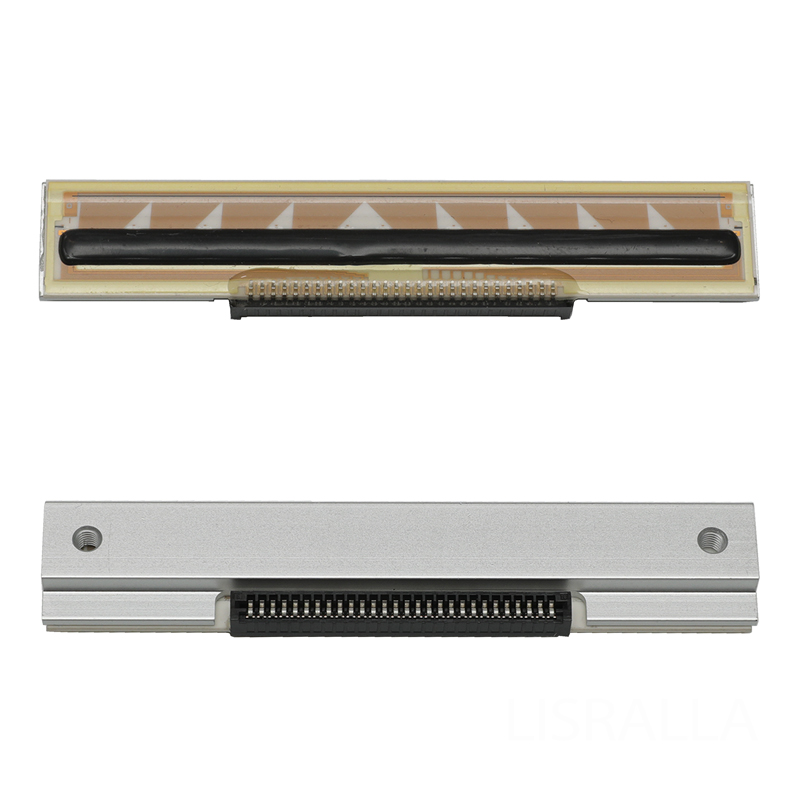
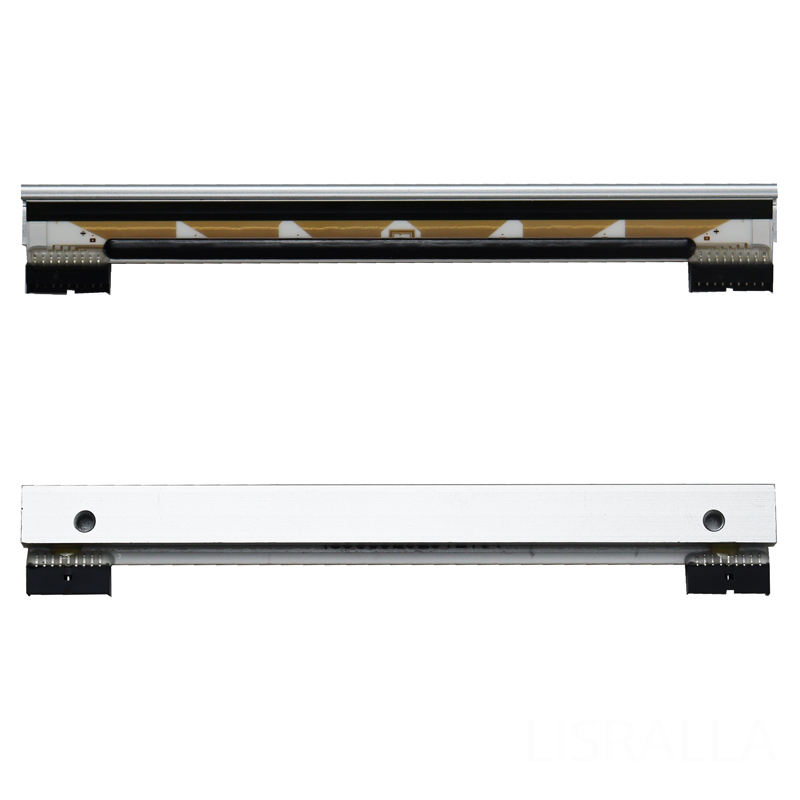
Media Compatibility: Check the types of thermal paper the printer can use, including width and roll size. Compatibility  with various  media types allows for greater flexibility in applications. For those looking for specific thermal printheads, consider the SM5500 Printhead for DIGI SM5500 SM5800 Barcode Scale.

Understanding these specifications will help you compare models effectively and choose one that aligns with your specific requirements.


Frequently Asked Questions

Our Blog Posts

What Our Partners Say

Quality Control Standards for Durable Portable Mini Thermal Printers

Quality Control Standards for Durable Portable Mini Thermal Printers

Quality control is a critical aspect of manufacturing portable mini thermal printers. At Guangzhou SOSTAR  Smart Technology Co., Ltd., we adhere to rigorous quality standards to  ensure durability  and consistency. Here are some quality control measures to consider:

Material Selection: The choice of  materials  directly affects durability. High-quality thermal printheads, rollers,  and sensors are  essential for long-lasting performance. Ensure that  the manufacturer uses materials that can withstand regular wear and tear.

Testing Procedures: Look for manufacturers that conduct extensive testing, including print quality tests, drop tests, and environmental simulations. These tests help validate the printer's performance under  various conditions.

Certification Compliance: Verify if  the printers comply with international standards such as  ISO 9001  or  CE certifications. These certifications indicate a commitment to quality management systems.

In-House R&D:  Manufacturers with  dedicated research and development teams can adapt to market needs and  improve product designs.  This leads to enhanced reliability and performance  over time.

By prioritizing suppliers that meet stringent quality control standards, you can  ensure the  durability of the portable mini thermal printers you purchase. Additionally, it's important to consider options like the RM50 Printhead for DIGI RM50 Barcode Scale for compatibility with your devices.

Cost Factors to Consider When Purchasing Portable Mini Thermal Printers

Cost Factors to Consider When Purchasing Portable Mini Thermal Printers

Understanding the various cost factors involved in purchasing portable mini  thermal printers can help you make a  more informed financial decision:

Initial Purchase  Price:  While  the initial cost is a primary consideration, be cautious of  opting for the cheapest option. A lower  price may compromise quality and performance, leading to higher long-term costs.

Operational Costs: Consider ongoing expenses such as thermal paper, batteries, and maintenance.  Some printers might require more frequent replacements of parts, which can add to the overall cost.

Customization Options:  Customization can affect pricing. If you require  specific features, software compatibility,  or branding options, discuss these with the  supplier, as they may incur additional costs.

Volume Discounts: If you're planning a bulk purchase, inquire about volume discounts. Many manufacturers offer better pricing on larger orders, which can lead to  significant savings.

Warranty and Support: A  good warranty can save you money on repairs or replacements. Ensure  you understand the warranty terms and the  level of customer support available.

By evaluating these cost factors  carefully, you  can balance your  budget with the quality and features  you need.

Common Problems with Portable Mini Thermal Printers and Solutions

Common Problems with Portable Mini Thermal Printers and Solutions

Portable mini thermal printers can encounter various issues, but being aware of common problems and  their solutions can help mitigate downtime:

Poor Print Quality: If  you experience faded or smudged prints, check the thermal paper quality and ensure the printhead is clean. Regular maintenance, including cleaning  the printhead and rollers, can prevent this issue.

Connectivity Issues: Problems with Bluetooth or Wi-Fi  connections can arise. Ensure that the printer's firmware  is updated and that the connected devices are compatible.  Re-establishing the connection or restarting devices can often resolve these  issues.

Paper Jams: These can occur due to improper loading or using the wrong paper size.  Always  follow the manufacturer’s guidelines for loading paper and ensure the correct media type is being used.


Battery Problems: If the printer frequently runs out of battery, it  may be time to replace the battery or check for background  processes that may be  draining power. Opting  for  models with longer battery life can  also help mitigate this issue.

Overheating: Continuous use can lead to overheating. If this occurs,  allow the printer to cool down before resuming use. Regular breaks during high-volume printing tasks can prolong  the printer's  life.

Being  proactive in maintenance and understanding these common issues can lead to more efficient operations and a longer lifespan for your device.

Installation Guidance for Efficient Use of Portable Mini Thermal Printers

Proper installation and setup of portable mini thermal printers are essential for  optimal  performance. Here  are some guidelines to ensure efficient use:

Follow Manufacturer Instructions: Always refer to the user manual provided by the manufacturer for specific installation  steps. This will typically include  guidance on connecting  to devices and loading paper.

Software Installation: Ensure that any necessary drivers or  software are installed on your devices. This may involve downloading applications  compatible with the printer for  mobile or  desktop use.


Test Prints: After installation,  conduct test prints to  confirm that the printer is functioning correctly. Check for print quality, connectivity, and any error  messages  displayed on the device.

Calibrate Settings: Depending on your application, you may need to adjust the printer settings for optimal performance. This can include changing print density, speed, or  media type.

Training Staff: Ensure that all users are trained on how to operate the printer effectively. Provide guidelines  on proper maintenance and troubleshooting techniques.

By following these installation guidelines,  you can enhance the performance and longevity of your portable mini thermal printer, ensuring it  meets your  operational needs.